Pre-populated with Tasks
Tasks from the project schedule are pre-populated into the timesheet so the user always knows where to book their time.
The CPS Timesheet Module is a powerful extension for Microsoft Planner Power App, designed enhance the Planner capability to simplify time tracking, streamline approvals, and provide reporting. This module helps you stay in control of actual effort and project performance.
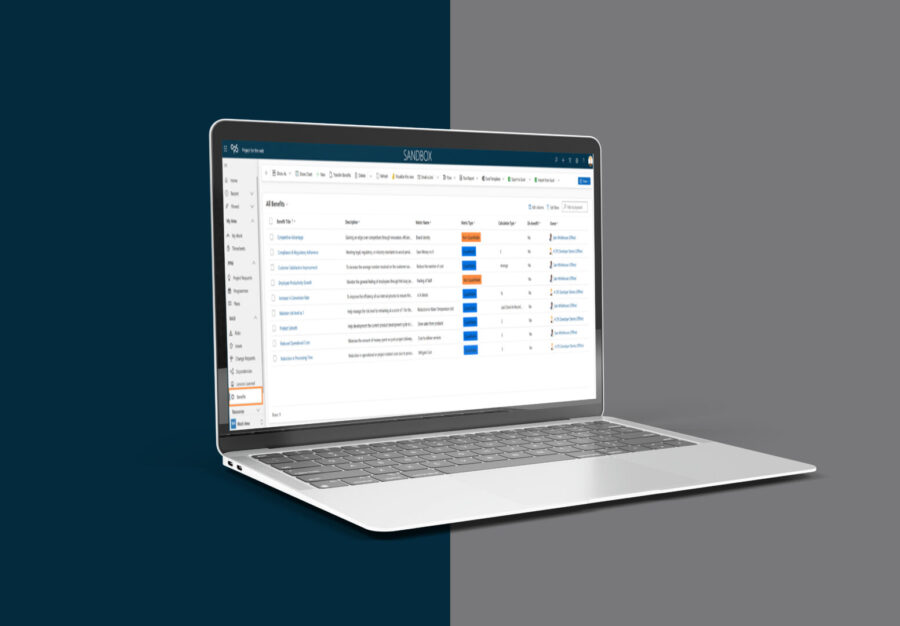
Create, open, and close logging periods with flexibility for short weeks and holidays.
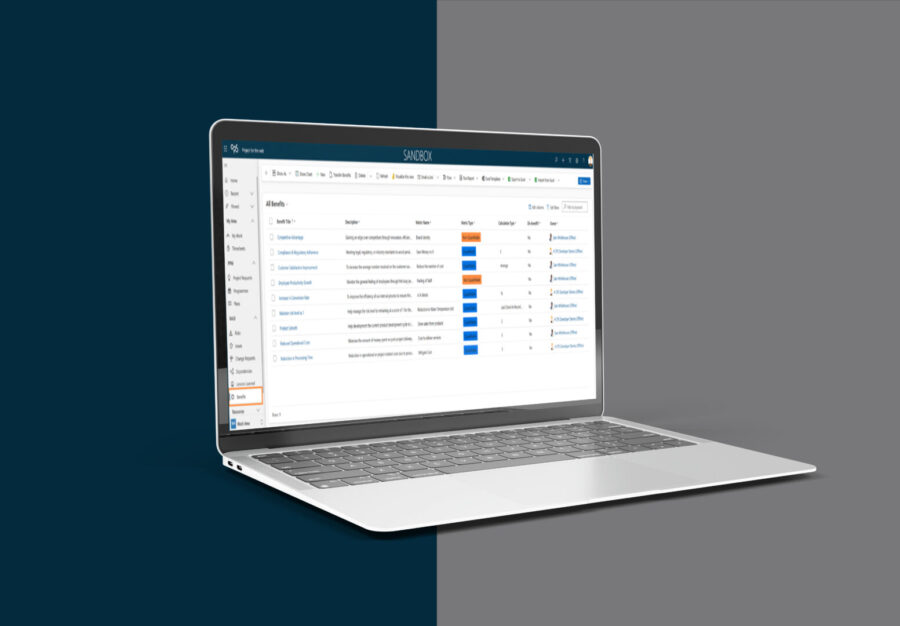
Route submissions based on organisational rules and enable email-based approvals.
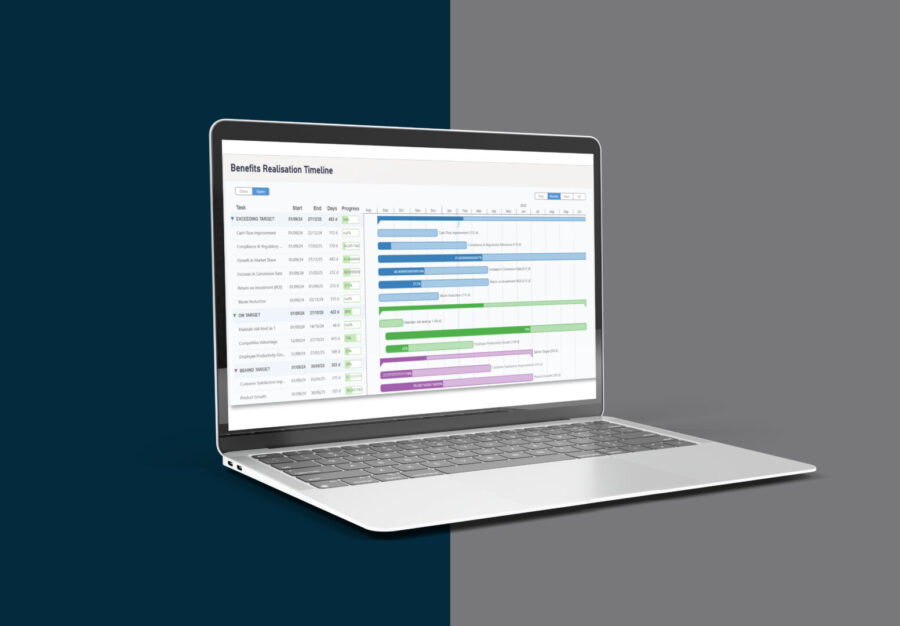
Users can recall submitted timesheets; admins can act on behalf of users or override entries when needed.
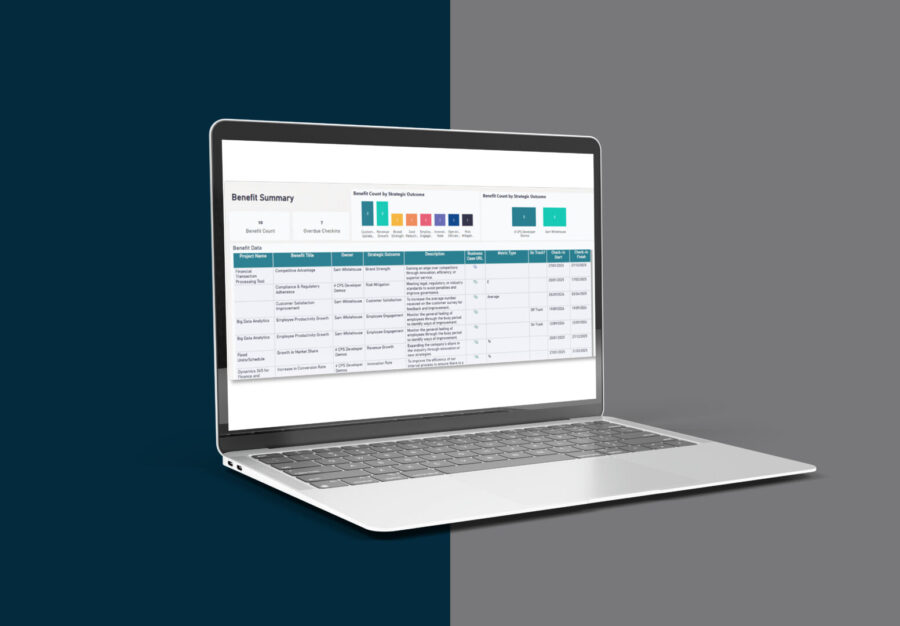
Automatically update task progress with approved time, ensuring a single source of truth.
Prevent deletion of tasks with approved timesheets to maintain data integrity.
Access dynamic reports comparing scheduled vs. actual hours across projects.
Perfect for:

ArcelorMittal partnered with CPS to consolidate global R&D innovation with a single platform to capture, manage, and evaluate ideas. CPS developed and aligned processes to standardise idea generation, prevent duplication, avoid budget waste, and boost staff morale, ensuring a successful rollout with a robust adoption program.

The Wales and West region in Network Rail identified a gap in tracking and managing non-infrastructure projects. They needed a scalable, tailored solution to manage a growing number of projects without a centralised system.

WD-40 collaborated with CPS to focused on delivering a no-nonsense, efficient approach to manage and report across projects, enabling strategic decision-making.
Let CPS help you streamline time tracking and improve project outcomes.
Request a free consultation now.

See more from our Insights

CPS is becoming part of mhance, creating a stronger Microsoft partner with greater expertise, broader capability and new opportunities for customers. Built on the same trusted relationships and commitment to outcomes, this marks the beginning of an exciting new chapter for our people, customers and community.

Artificial Intelligence is rapidly becoming embedded within the way organisations operate. Yet while most discussions focus on productivity and innovation, a more important question is emerging. How do organisations govern AI effectively while continuing to innovate? The answer may determine which organisations successfully embrace Agent First and which struggle to move beyond experimentation.

Explore why the human side of local government reorganisation matters, from workforce confidence and change fatigue to stronger communication, collaboration and support during transformation.